Dillinger or StackEdit? Pick the Markdown Workspace That Fits
Dillinger and StackEdit both offer free browser Markdown editing without an account. Compare their local-first workflows, previews, exports, and optional cloud connections before choosing a writing workspace.
Dillinger or StackEdit? Pick the Markdown Workspace That Fits
A browser Markdown editor is most useful when it removes setup rather than adds another account. Dillinger and StackEdit both open directly in the browser, render Markdown as you write, and keep the core workflow free. Their emphasis is different: Dillinger is a practical editor and exporter, while StackEdit is a more document-oriented workspace.
Choose Dillinger for a fast draft and a direct export
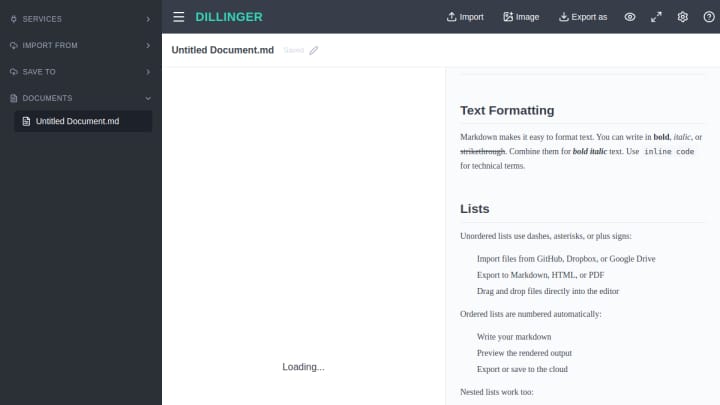
Dillinger starts with an editor beside a live preview. Its official product page documents local drafts, exports to Markdown, HTML, and PDF, plus optional connections to GitHub, Dropbox, Google Drive, OneDrive, and Bitbucket. The core editor does not require a signup.
That makes it a straightforward fit for a README, a technical note, or a draft that needs to become a file quickly. You can write first and decide later whether a cloud connection is useful. The limitation is that Dillinger is designed around a single working document rather than a fuller organization layer.
Choose StackEdit for a local-first document workspace
StackEdit also offers a live preview and works without an account, but it puts more attention on the writing surface itself. It supports CommonMark and GitHub Flavored Markdown, scroll sync, local-first files, and optional sync or publishing through connected services.
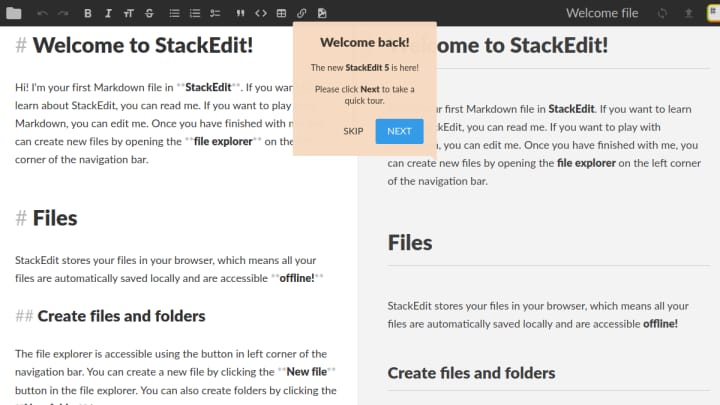
It is the stronger choice when you expect to revisit documents, want the editor and preview to stay aligned while reading, or prefer a writing-centric workspace before deciding on a destination. Its connected features remain optional, so an account is not a prerequisite for starting a draft.
The practical choice
Pick Dillinger when the immediate goal is to write Markdown in a familiar editor, preview it, and export a usable file. Pick StackEdit when local-first documents, scroll-synced review, and a more persistent browser workspace matter more. Both avoid the friction of a mandatory signup, but neither should be treated as a substitute for a version-controlled repository or a dedicated backup plan.
For current feature details, see the Dillinger product page and StackEdit.