favicon.io or Iconify? Make a Site Icon Package or Find a Ready-Made Icon
favicon.io and Iconify Icon Sets both help a web project look finished, but one creates a browser favicon package while the other helps you search ready-made open-source icons. Choose the starting point that matches the asset you actually need.
Favicon packaging or icon discovery?
A website can need two very different kinds of visual asset: a small identifier for the browser tab, or a reusable interface icon for the product itself. favicon.io and Iconify Icon Sets are both lightweight browser tools in the same design category, but they begin at opposite ends of that job.
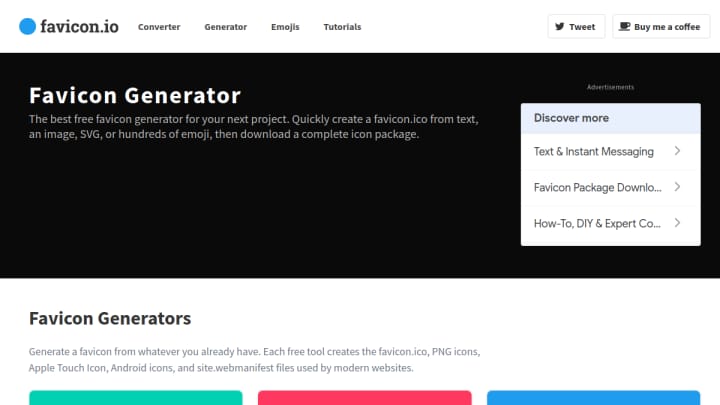
Choose favicon.io when the deliverable is a favicon package
favicon.io is the direct route when a site needs its own tab icon. Its public generators start with text, emoji, or an uploaded image, then produce a downloadable package with ICO and PNG files plus related web-manifest assets. The workflow is narrow by design: make one recognizable mark, then leave with the file formats a website expects.
That makes it a useful fit for a landing page, a small side project, or a prototype that has a name but not a full visual system. The public tool opens without an account prompt, so it is also practical for a quick asset handoff. The trade-off is equally clear: it is about packaging a compact identity marker, not about offering a large library of finished UI symbols.
Choose Iconify when you need a ready-made interface symbol
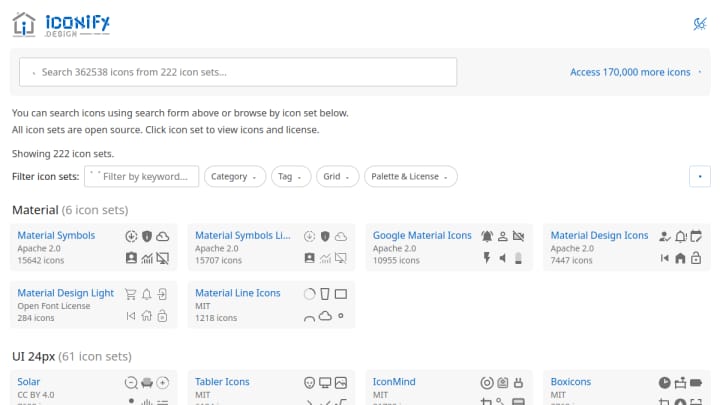
Iconify Icon Sets solves the discovery problem instead. Search a broad catalog of open-source icon sets, inspect a result, and check the source set and license information before bringing an icon into a design or codebase. It is the better starting point for familiar concepts such as navigation, actions, files, devices, or social services where a bespoke favicon would not solve the interface need.
The catalog approach rewards a little more comparison. You need to decide which visual style belongs with the project and verify the license for the source set you choose. In return, it provides a much wider design vocabulary than a single favicon generator.
The practical difference
| If you need to... | Start with | Why |
|---|---|---|
| Put a recognizable mark in a browser tab | favicon.io | It creates a web-ready favicon package from a small source. |
| Find a reusable symbol for a product interface | Iconify Icon Sets | It helps search and compare established icon sets. |
| Turn a word, emoji, or simple image into a site marker | favicon.io | The input and export flow is focused on that one outcome. |
| Match an icon to an existing open-source set | Iconify Icon Sets | Set browsing and license details support that choice. |
A simple way to use both
For a new web project, start with favicon.io if the missing asset is the tab icon. Then use Iconify Icon Sets only if the project also needs consistent interface symbols. They complement one another, but they are not substitutes: one turns a compact idea into a browser identity package, while the other helps you locate an icon that already belongs to a broader visual language.
The best choice is therefore about the output, not which tool has more features. Make a favicon when the browser needs to recognize the site; browse an icon set when people need to recognize an action inside it.