Open-Meteo vs Windy: Use an API for Data and a Map for Decisions
Open-Meteo and Windy cover different weather workflows. This guide explains when a no-sign-up API is the better fit, when a visual forecast map is faster, and why many projects benefit from both.
Open-Meteo vs Windy: Use an API for Data and a Map for Decisions
Weather work often begins with a choice: do you need to look at conditions, or do you need weather data inside a spreadsheet, script, dashboard, or product? Open-Meteo and Windy answer those different jobs well. They are complementary tools, not direct substitutes.
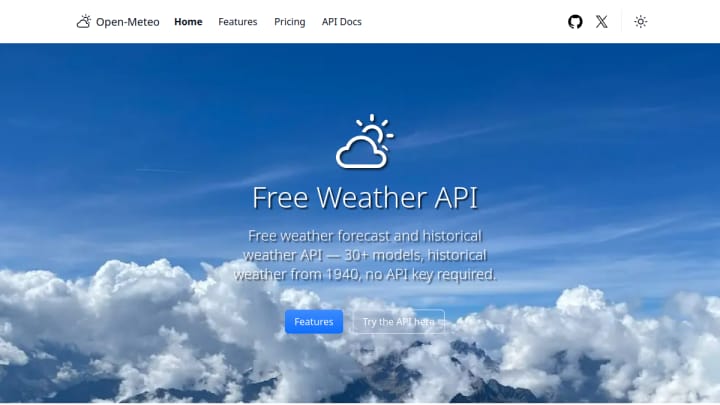
Choose Open-Meteo when weather is an input
Open-Meteo exposes forecast, current, and historical data through ordinary HTTP requests. Its official documentation shows a JSON-first API, with CSV and XLSX outputs available, and says its non-commercial API can be used without an API key or sign-up. That makes it a focused fit for developers, analysts, small prototypes, and personal automations that need values rather than a map. See the official API documentation for supported variables and usage limits.
The trade-off is that Open-Meteo is not a ready-made decision surface. You must choose coordinates, parameters, time ranges, and a way to display or analyze the response. It is free for its documented non-commercial use, and the core request flow does not require registration.
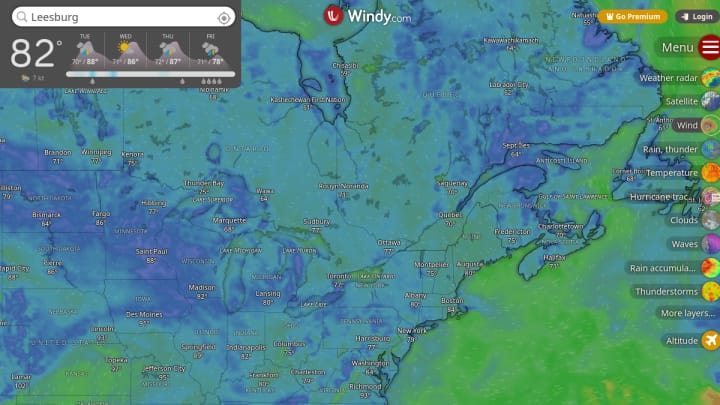
Choose Windy when the map is the answer
Windy is for scanning a location and comparing visual layers such as wind, temperature, rain, radar, waves, and clouds. Its public map is faster when you are planning a trip, outdoor work, a flight, or a route and need spatial context immediately. Windy offers a freemium product, while its public map can be explored directly; Premium adds some advanced capabilities. Its official map forecast reference documents the breadth of available layers.
Windy is the better interface for a human making a time-sensitive call. It is less suitable when you need repeatable structured output, a custom dashboard, or a batch of locations without manual inspection.
A practical choice
Pick Open-Meteo if you need no-sign-up structured weather data in your own workflow and can work with HTTP responses. Pick Windy if you want a rich visual weather briefing with almost no setup. Use both when you want the map to guide a human decision and the API to power the numbers behind a report, alert, or application.
For most non-developers, Windy is the faster first stop. For builders who need weather to travel through their own tools, Open-Meteo is the more direct—and deliberately narrower—starting point.