OpenResume vs Resume.io: Choose Privacy and Simplicity or Templates and Extras
OpenResume and Resume.io both build resumes in a browser, but they make different trade-offs. Compare local-first editing, pricing limits, templates, and the workflow each job seeker should choose.
OpenResume vs Resume.io: Choose Privacy and Simplicity or Templates and Extras
A resume builder is most useful when it removes formatting friction without adding new uncertainty about privacy, sign-up, or what an export will cost. OpenResume and Resume.io solve the same core job—turning work history into a polished resume—but their workflows point in different directions.
Pick OpenResume when the brief is simple and privacy matters
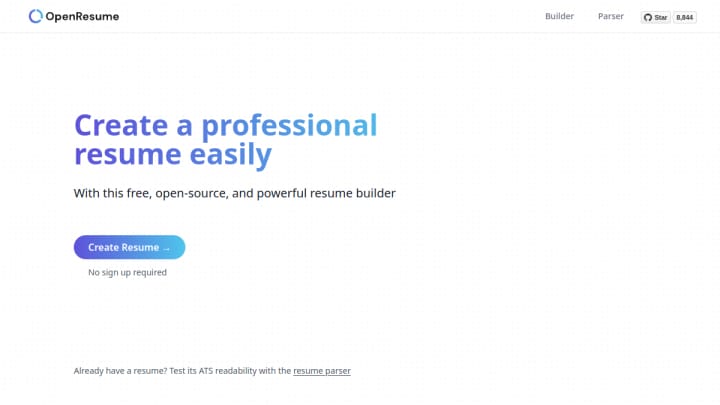
OpenResume is a focused, local-first editor. You can begin without an account, enter the essential resume sections, preview a single-column layout, and export the result. It also accepts an existing PDF for an ATS-readability check. Its official site says the app stores input in the browser, rather than in an account-backed workspace.
That narrow design is a real advantage for a student, a career changer, or anyone preparing one strong, conventional resume quickly. There is no choice paralysis around template libraries, and no payment decision before the basic task is complete. The trade-off is intentional: OpenResume is oriented around a U.S.-style, single-column resume and is less suited to someone who wants many visual layouts or a broader cover-letter workflow.
Choose Resume.io for more layout options and a broader career toolkit
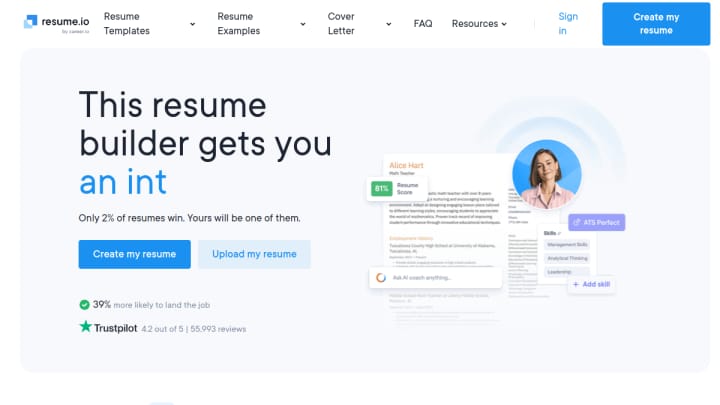
Resume.io is the more expansive direct substitute. It offers templates, a cover-letter builder, and a hosted workflow for creating and sharing application materials. Its current pricing page lists a free plan with one resume and cover letter, TXT-only downloads, and limited sharing; paid plans add unlimited resumes, templates, and PDF downloads.
That makes Resume.io a better fit when template choice, cover letters, or continued work across multiple versions matters more than keeping the entire basic workflow local. It is not a companion to OpenResume in the way a job tracker or interview-prep tool might be; for resume building, the two are alternatives. Starting in one and then rebuilding the same document in the other usually adds work rather than value.
The practical choice
- Choose OpenResume if you want a genuinely free, no-sign-up resume editor, a restrained single-column format, and browser-local data handling.
- Choose Resume.io if you need more template variety, cover-letter support, or a hosted account workflow—and are comfortable with the free plan's export limits or a paid upgrade.
- Use either tool only after tailoring the actual content to the role. A clean template or an ATS check can improve presentation, but it cannot replace specific evidence of your work.
For the underlying product details, see the OpenResume product site and Resume.io pricing.