StackEdit, Etherpad, or ONLYOFFICE: Pick the Right Browser Document Editor
StackEdit, Etherpad, and ONLYOFFICE all edit documents, but their workflows differ sharply. Compare a no-sign-up Markdown workspace, self-hosted real-time pads, and a broader office suite before you choose.
Pick the editor that matches the document job
Writing in a browser does not always mean choosing a full office suite. The useful question is whether you need a focused Markdown workspace, a shared live pad, or editors for many office-file formats. StackEdit, Etherpad, and ONLYOFFICE sit on three different points of that spectrum.
Choose StackEdit for a focused Markdown draft
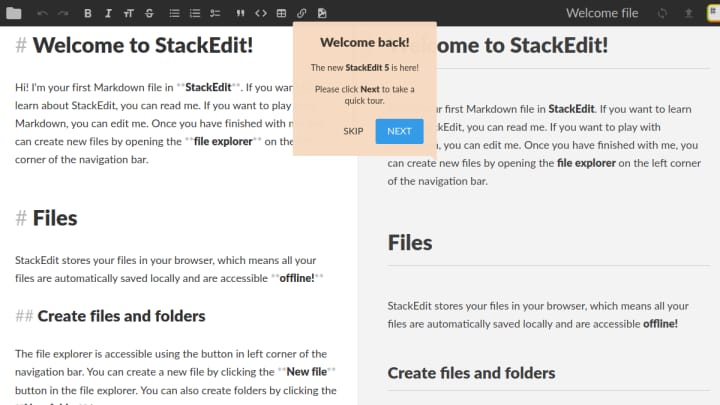
StackEdit opens directly into a Markdown file, with formatting controls, a live preview, and scroll sync between the writing and rendered panes. Its workspace is stored in the browser by default, so you can draft and export without creating an account. It also works offline; connecting Google Drive, Dropbox, or GitHub is optional when you want syncing or publishing.
That makes StackEdit a strong fit for notes, technical documentation, posts, and any writing where Markdown is the actual format you want to keep. It is not trying to be a spreadsheet, slide editor, or shared document hub.
Choose Etherpad when the live editing history matters
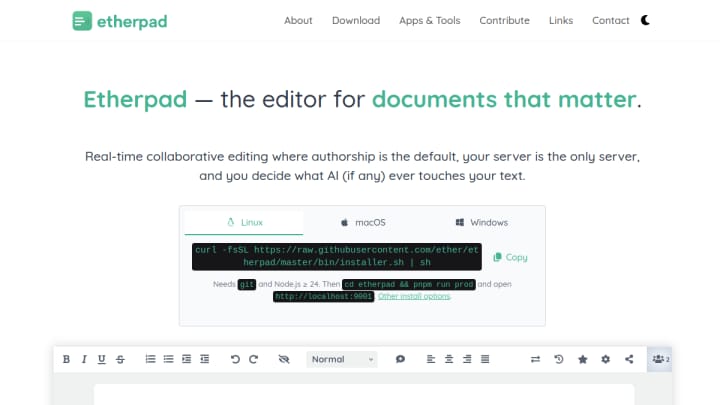
Etherpad is the better match for a group drafting the same plain document at once. Its official project centers authorship, revision history, and real-time collaboration; you can try a public instance or run an instance yourself. That gives teams and communities more control over where the pad runs, but it also asks them to choose or maintain an instance.
Choose Etherpad when visible contribution history and synchronous editing are more important than Markdown preview or office-file compatibility.
Choose ONLYOFFICE for a broader office workspace
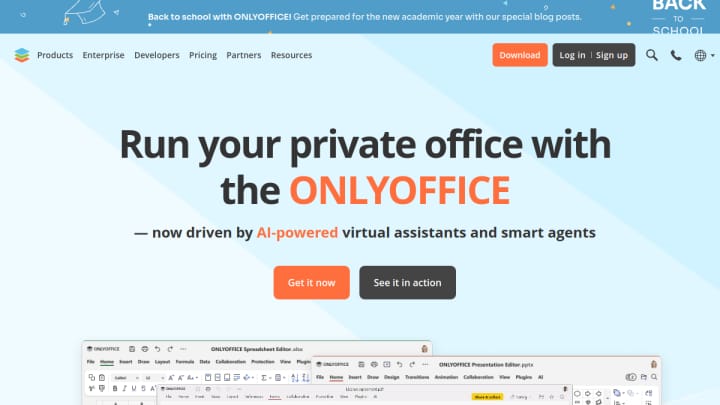
ONLYOFFICE is the broadest option here. Its web editors cover text documents, spreadsheets, presentations, PDFs, collaboration, comments, and sharing. The official site also offers a free DocSpace account, but that account-based workspace and larger feature set add more setup than StackEdit local-first start.
Choose it when the work begins with office files or when a team needs documents, sheets, and slides in one environment.
A practical choice
| If your priority is… | Start with… |
|---|---|
| Drafting and exporting Markdown without signing in | StackEdit |
| A shared text pad with real-time authorship and revision history | Etherpad |
| Editing office documents alongside sheets, slides, and PDFs | ONLYOFFICE |
StackEdit is the lightest place to begin when a single writer needs Markdown, offline access, and optional sync later. Etherpad is for a live collaborative pad whose history is part of the work. ONLYOFFICE earns its extra complexity when the work is genuinely an office suite problem.
Sources
Product capabilities and access details were checked against the official pages for StackEdit, Etherpad, and ONLYOFFICE.